Three years after Facebook introduced a feature that let users keep up to four additional profiles under one account, Meta announced that it will permanently delete all additional profiles after December 14, 2026.
While the original intent was to allow users to maintain separate identities for different hobbies or communities under one main account, Meta said the feature added unnecessary complexity—prompting the company to simplify Facebook back down to a single primary profile.
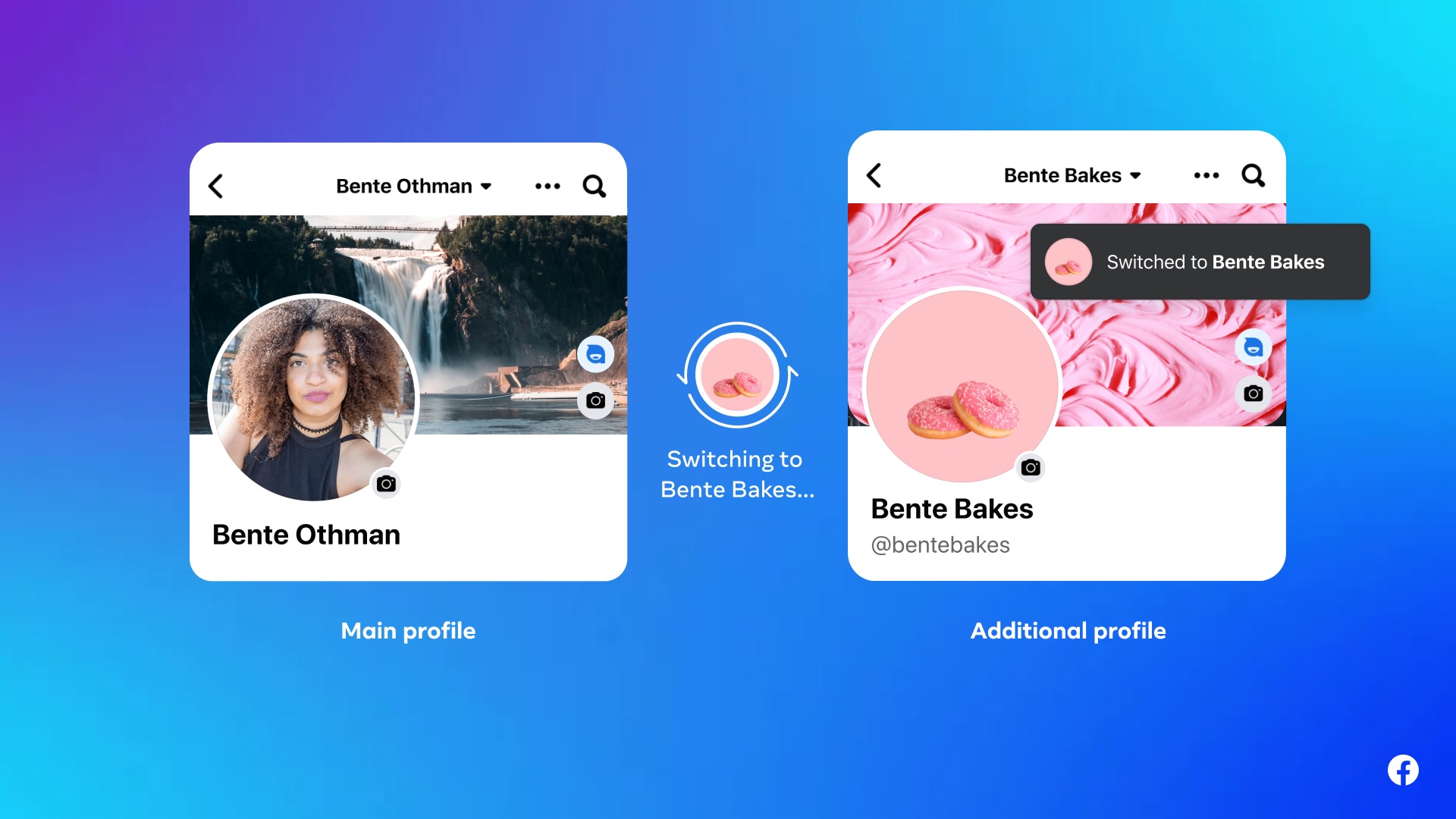
What do you need to do if you have additional profiles on your Facebook account? To save your data before it is permanently deleted, follow these steps for each additional profile:
-
Switch to the additional profile you want to back up.
-
Go to Settings & privacy, then select Settings.
-
Open Your information and permissions and choose Export your information.
-
Select what data you want to keep and choose whether to download it to your device or transfer it to an external service.
You can also carry over friends, groups, and followed Pages from your secondary profiles to your main profile using the Review connections option (or by reconnecting with them manually).
Additionally, if you manage any Facebook groups through an additional profile, make sure to assign a new admin—such as your main profile—before the deadline. Any group left without an active admin will be paused until a replacement is assigned.
Keep in mind that you must repeat this process separately for every additional profile on your account. Users have until December 14, 2026 to complete these steps, and Meta advises submitting export requests as soon as possible.


